Services
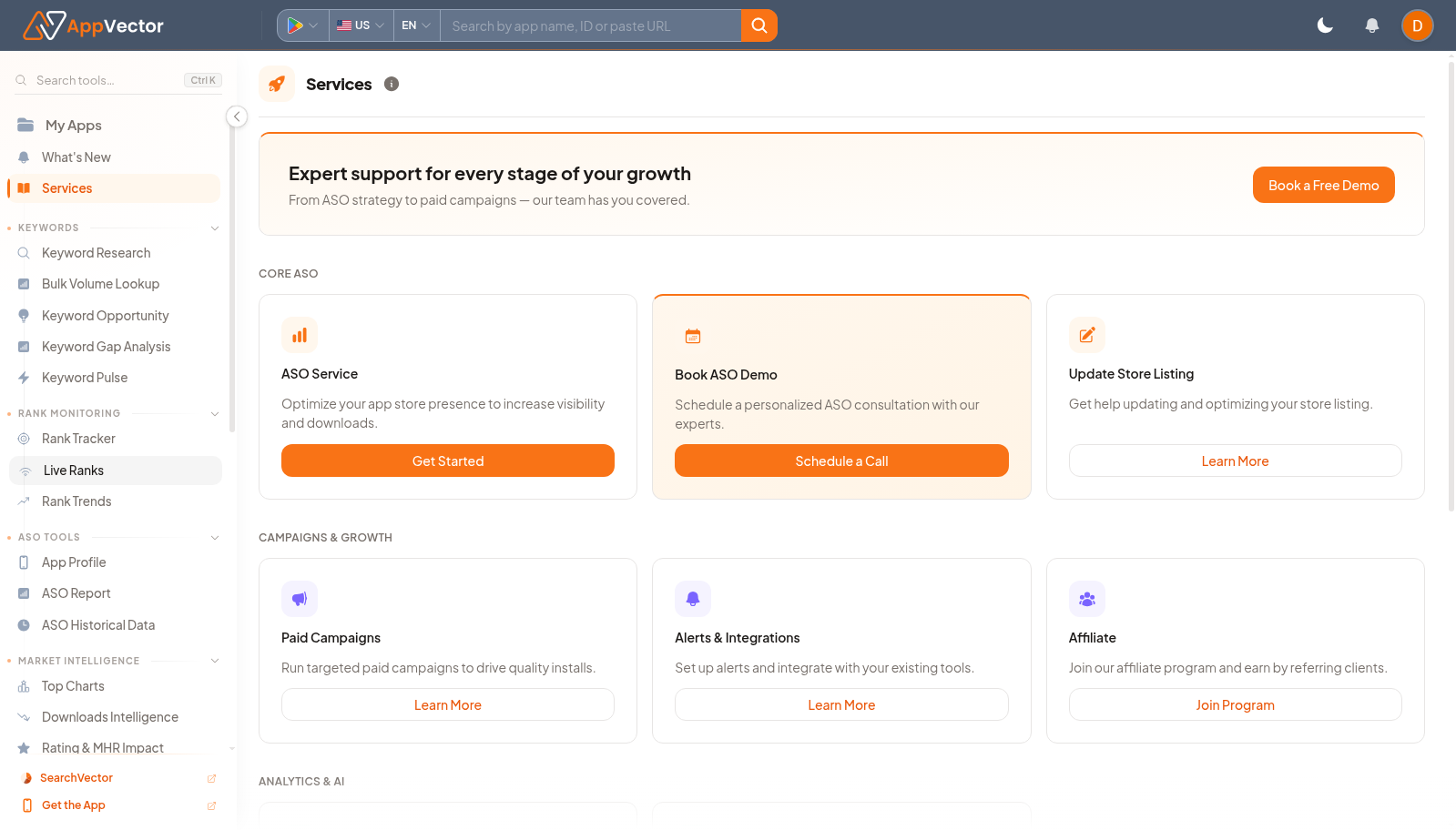
Services lists AppVector assistance options. It is useful when the next step is human support, onboarding, implementation help, or a managed program rather than self-serve analysis.
When To Use It
Use Services when you need to:
- book a demo or call with the AppVector team.
- start a guided service or support workflow.
- learn about available AppVector programs.
- request help when self-serve analysis is not enough.
Before You Start
Prepare these inputs:
- Goal: know whether you need a demo, onboarding, implementation, or advisory help.
- App context: prepare the app or account context the team should know.
- Timeline: know whether the request is urgent or planning-oriented.
- Stakeholders: identify who should join a scheduled call.
Work Through The Page
- Open Services from the left navigation.
- Choose the service card that matches your need.
- Use Book a Free Demo, Get Started, Schedule a Call, Learn More, or Join Program as appropriate.
- Complete any follow-up form or scheduling step.
- Share the app context with the AppVector team.
Read The Results
Services is action-oriented. The important result is not a metric table; it is choosing the correct support path and providing enough context for the team to help efficiently.
Decide What To Do Next
- Prepare app links, target markets, and current blockers before the call.
- Use the Dashboard to open the product page related to the service request.
- Record follow-up tasks after the service conversation.
- Return to the relevant guide once the setup or advice is complete.
Tips
- Use specific app and workflow context when requesting help.
- Choose a call when the issue spans multiple product areas.