App Store Insights
App Store Insights organizes App Store Connect performance into focused tabs. It helps teams review acquisition, engagement, market, sales, listing-health, and report views for a selected iOS app.
When To Use It
Use App Store Insights when you need to:
- review App Store Connect performance inside AppVector.
- switch between acquisition, engagement, markets, sales, and listing-health views.
- check daily or date-range performance for an App Store app.
- use report explorer for a more specific App Store question.
Before You Start
Prepare these inputs:
- Connection: use Manage Connections if the App Store account is not connected.
- App: choose an App Store app from Select App Store app.
- Date range: choose a window such as Last 28 days.
- Granularity: choose options such as Daily when comparing trends.
Work Through The Page
- Open App Store Insights from Apple Console.
- Use Manage Connections if App Store access needs setup.
- Choose the App Store app.
- Select the date range and reporting granularity.
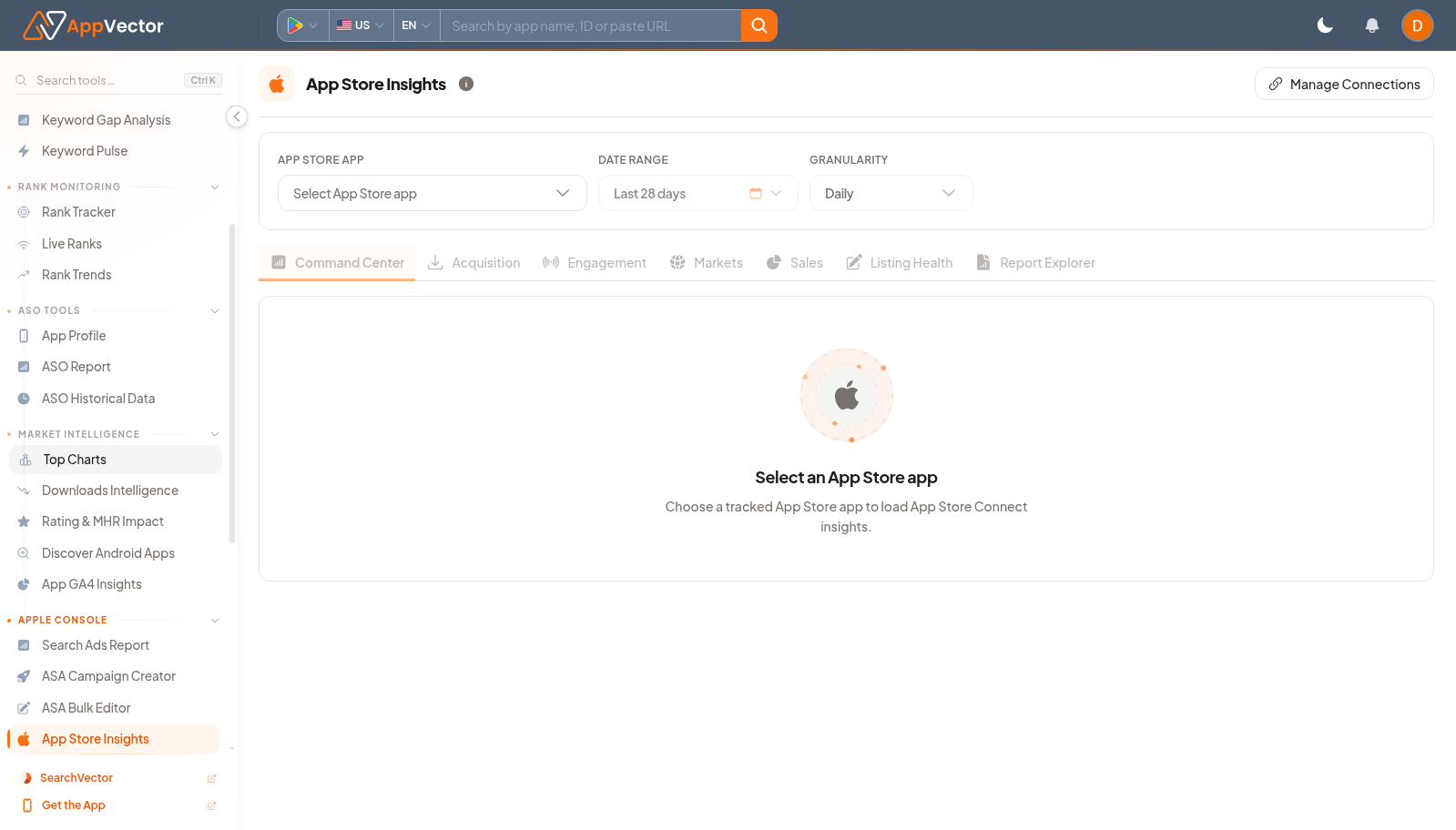
- Move between Command Center, Acquisition, Engagement, Markets, Sales, Listing Health, and Report Explorer tabs.
Read The Results
Each tab answers a different App Store question. Command Center gives a high-level view, Acquisition and Engagement separate user flow stages, Markets shows geographic context, Sales covers monetization, Listing Health checks store readiness, and Report Explorer supports deeper reporting.
Decide What To Do Next
- Use Listing Health findings with App Profile or Store Listing work.
- Use Markets findings to prioritize localization or country review.
- Use Acquisition and Engagement together before changing campaigns.
- Use Integrations if the expected app or connection is missing.
Tips
- Keep the same date range when comparing tabs.
- Do not mix App Store and Google Play conclusions; use the store-specific pages for each platform.