Downloads Intelligence
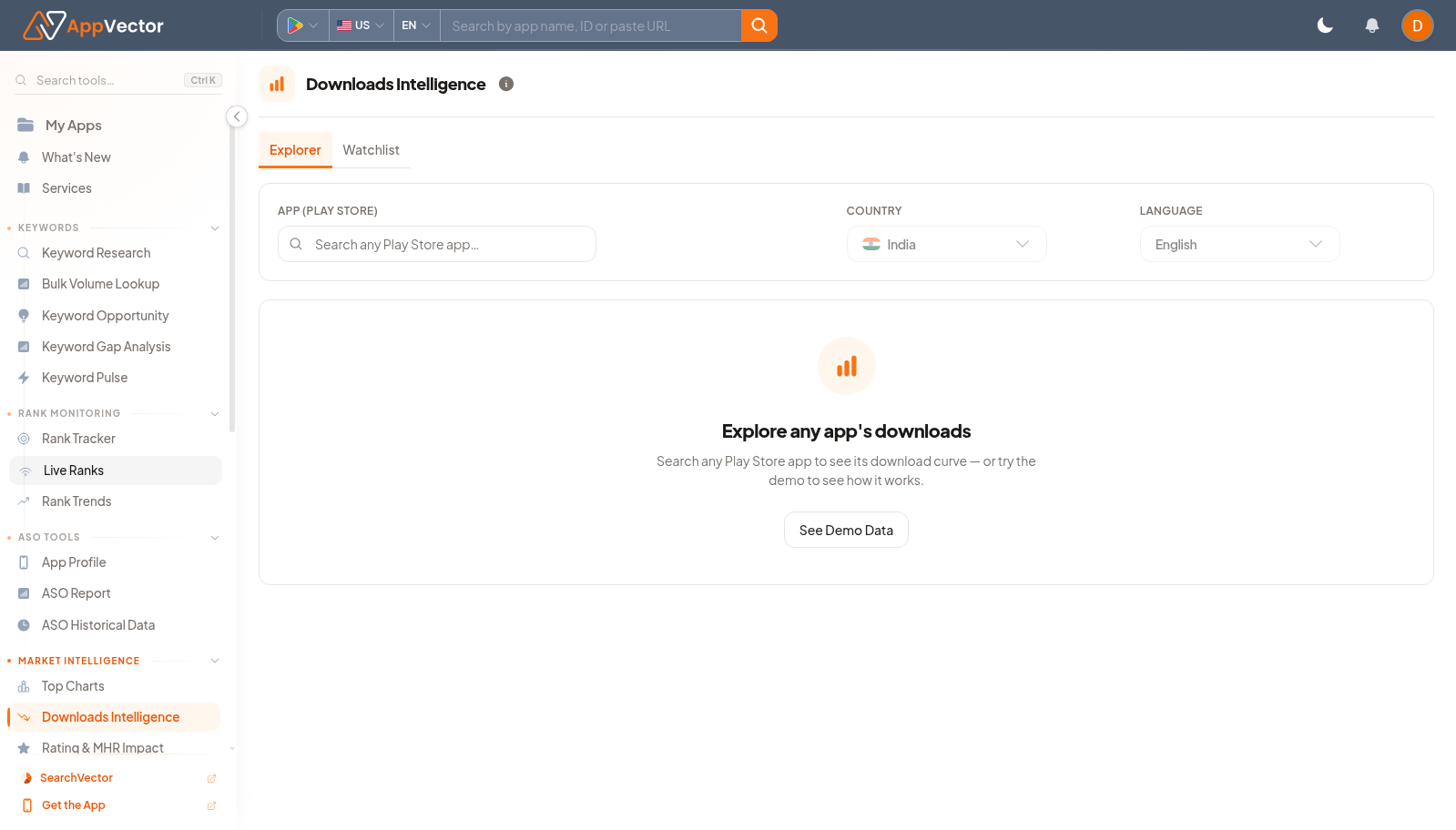
Downloads Intelligence helps teams inspect install movement and market demand. It has Explorer and saved-list views so you can research a market broadly or monitor selected apps.
When To Use It
Use Downloads Intelligence when you need to:
- review install estimates for an app or market.
- switch between Explorer and saved-list workflows.
- compare install movement by country, language, and date range.
- use demo data when you need a safe example.
Before You Start
Prepare these inputs:
- View: choose Explorer for discovery or the saved-list view for monitored apps.
- Country and language: choose the market context.
- Date range: select the reporting period.
- App list: prepare apps to monitor if using the saved-list view.
Work Through The Page
- Open Downloads Intelligence from Market Intelligence.
- Choose Explorer or the saved-list view.
- Set country and language.
- Choose the reporting period.
- Use See Demo Data if you need a safe example before using real app data.
Read The Results
Explorer is useful for market discovery; the saved-list view is useful for repeated monitoring. Always interpret install estimates with the selected market and language, because demand changes sharply by country and category.
Decide What To Do Next
- Open Rating & MHR Impact when you need to compare installs with rating or metadata-health signals.
- Use Top Charts to see whether install movement matches category rank movement.
- Use Discover Android Apps to find additional apps for the saved list.
- Export or summarize findings for growth reviews.
Tips
- Do not compare apps across countries unless that is the analysis goal.
- Use a consistent date range for recurring market reviews.