ASO Report
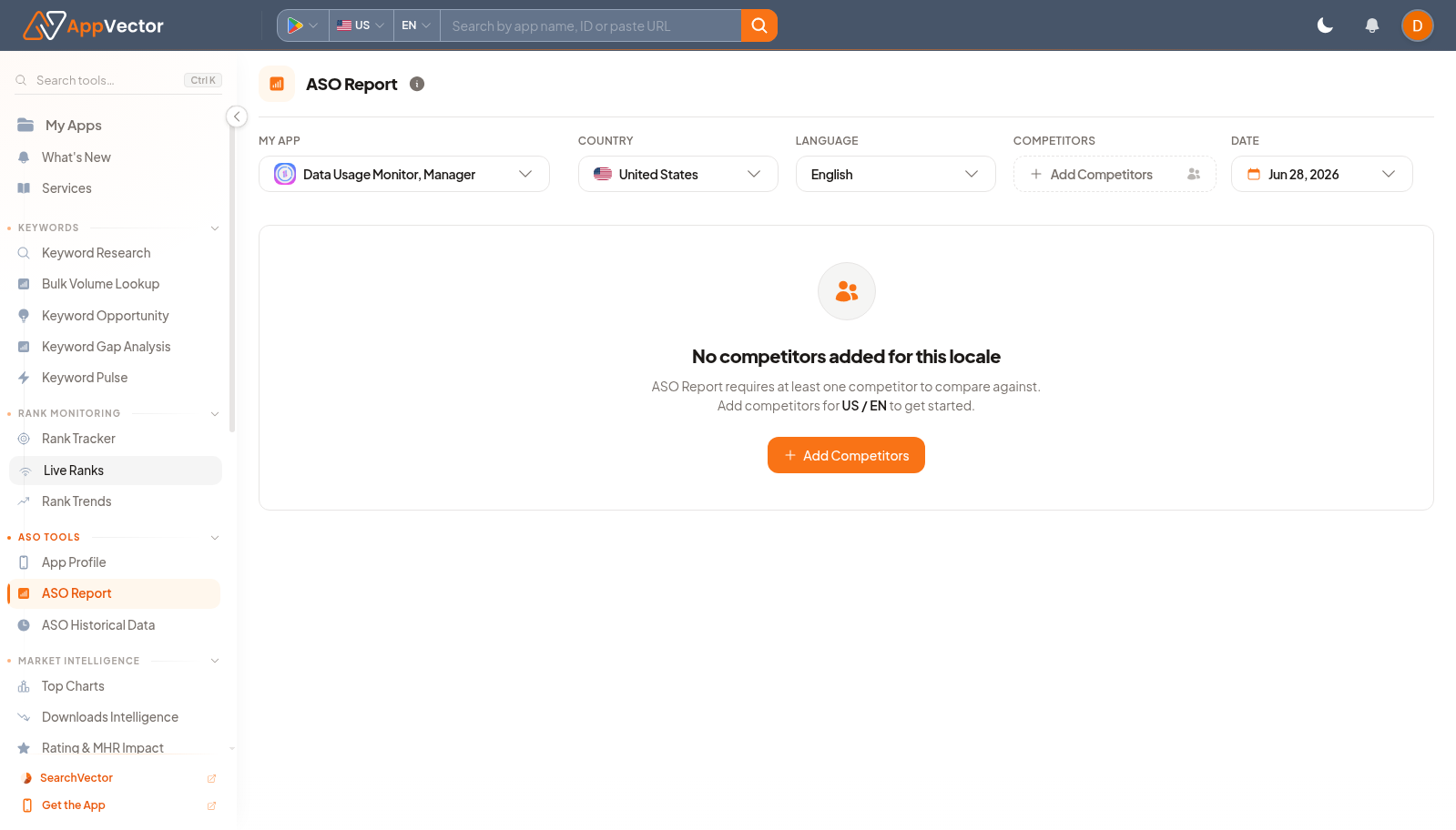
ASO Report is the broader optimization review for an app. It combines selected app, market, language, competitor, and report-date context so teams can inspect recommendations from a consistent baseline.
When To Use It
Use ASO Report when you need to:
- review app-store optimization health for one app and market.
- compare an app against selected competitors.
- prepare an ASO action plan before metadata or listing updates.
- create a repeatable report snapshot for stakeholders.
Before You Start
Prepare these inputs:
- App: select the app to analyze.
- Country and language: choose the market and language.
- Competitors: confirm the competitor set shown by the selector.
- Report date: note the generated or selected report date.
Work Through The Page
- Open ASO Report from ASO Tools.
- Choose the app, country, and language.
- Confirm the competitor selector.
- Review the report date before interpreting changes.
- Move through each report section and separate quick fixes from larger listing work.
Read The Results
Read ASO Report as a prioritized diagnosis, not as a raw data table. The selected app, country, language, competitor count, and date define what the recommendations apply to. If any of those are wrong, regenerate or change context before acting.
Decide What To Do Next
- Open App Profile to verify current metadata.
- Use Keyword Research or Keywords for keyword-specific follow-up.
- Use Store Listing when approved metadata changes need to be applied.
- Re-run the report after meaningful listing or keyword changes.
Tips
- Do not compare ASO reports unless app, country, language, and competitor context match.
- Convert recommendations into a short action list before assigning work.