Android Vitals
Android Vitals brings Play Console stability signals into AppVector so product and ASO teams can check whether ANR or crash issues may affect store performance and user trust.
When To Use It
Use Android Vitals when you need to:
- review ANR or crash trends for an Android app.
- check stability before or after a release.
- connect app-health issues to listing, review, or install changes.
- use demo data when you need to understand the page before connecting a production app.
Before You Start
Prepare these inputs:
- App: search for the Android app or package.
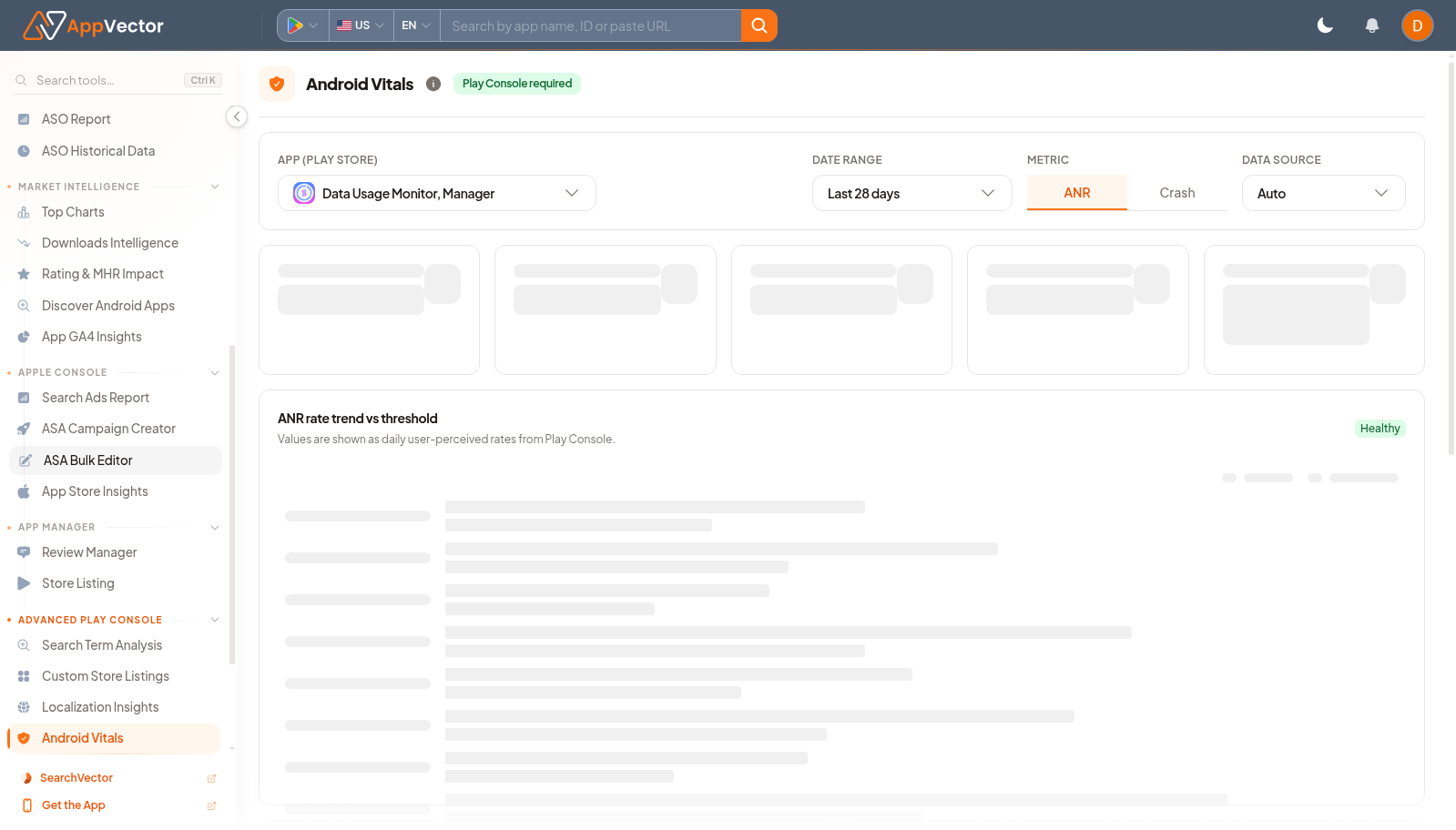
- Date range: choose a reporting window such as Last 28 days.
- Metric type: choose ANR or Crash.
- Console access: make sure the required Play Console integration is connected when using real app data.
Work Through The Page
- Open Android Vitals from the Advanced Play Console area.
- Search for the app or package you want to inspect.
- Set the reporting window with the date-range selector.
- Switch between ANR and Crash depending on the reliability issue you are reviewing.
- Use See demo if you need to learn the page without exposing production console data.
Read The Results
Read the page as an app-health check. ANR data points to app-not-responding issues; crash data points to sessions that ended unexpectedly. Use the selected app, date range, and metric type together so you do not compare unrelated releases or markets.
Decide What To Do Next
- Escalate spikes to the engineering owner with the selected app and date range.
- Compare stability changes with Review Manager if reviews mention crashes or freezes.
- Check Downloads Intelligence or ASO Report if reliability issues may be affecting acquisition.
- Recheck after a release or hotfix.
Tips
- Do not mix ANR and crash conclusions; switch the metric type intentionally.
- Use the same date range when comparing stability with installs or reviews.