Store Listing
Store Listing is the editing workspace for app listing content. It separates editor and history views, supports locale work, and includes a publish action for approved changes.
When To Use It
Use Store Listing when you need to:
- edit app listing metadata for a selected app.
- work on a specific locale.
- review listing history before publishing.
- publish approved listing changes.
- add a locale when a new localized listing is needed.
Before You Start
Prepare these inputs:
- App: select the app being edited.
- Locale: choose the locale, or use Add locale when needed.
- Approved copy: prepare final title, subtitle, descriptions, or other metadata before publishing.
- Review process: know who must approve listing changes.
Work Through The Page
- Open Store Listing from App Manager.
- Choose Editor or History.
- Select the app and locale.
- Edit the required listing fields.
- Use Publish changes only after review and approval.
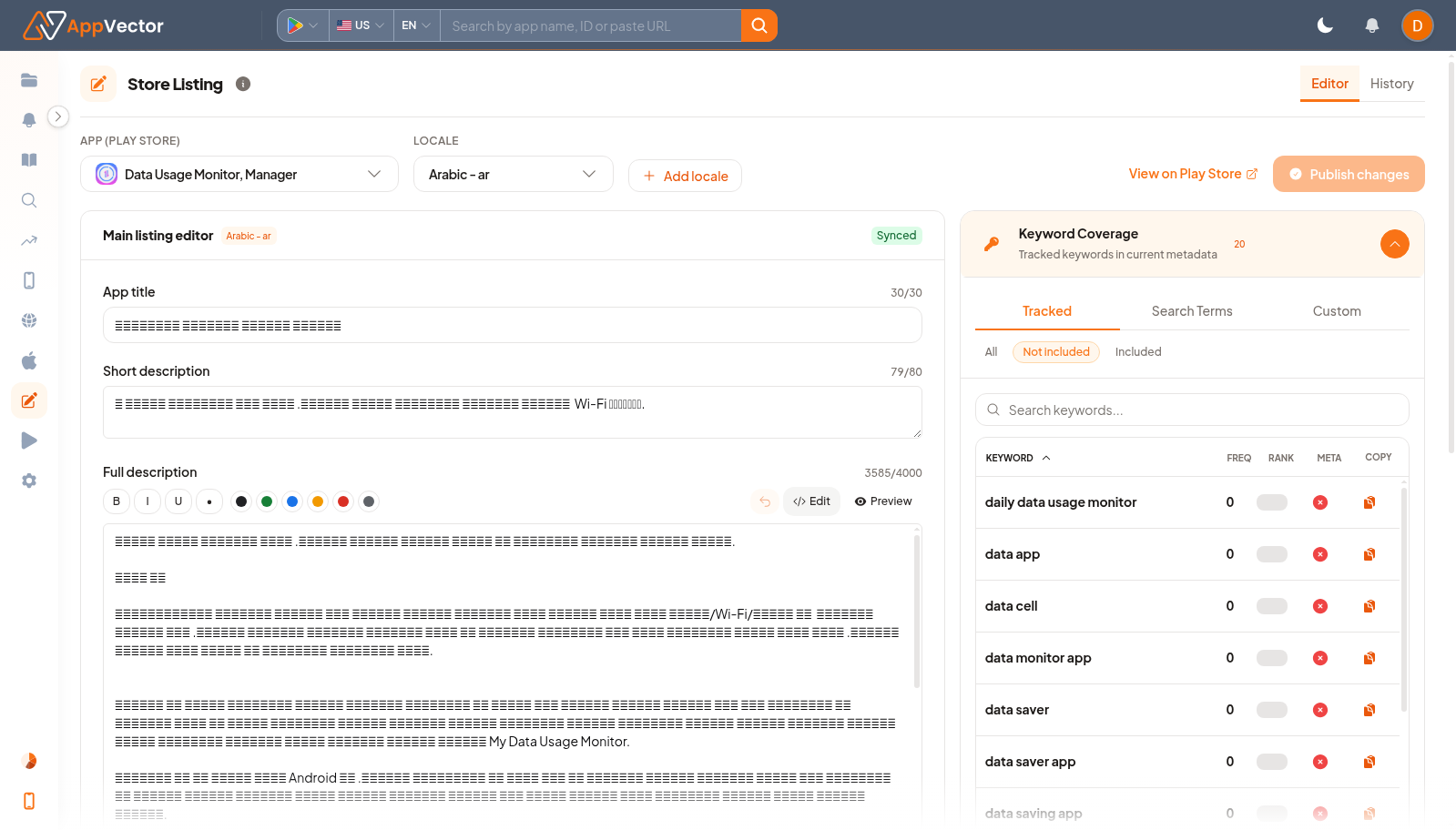
Read The Results
The Editor is for active listing work; History is for checking previous changes. Locale context is critical because changes apply to the selected locale, not every language automatically.
Decide What To Do Next
- Open App Profile to verify the published listing after changes propagate.
- Use ASO Historical Data to review previous metadata versions.
- Use Keyword Research or ASO Report before making major copy changes.
- Document the locale and fields changed in your release notes.
Tips
- Do not publish from the wrong locale.
- Use History before reverting or comparing copy.