ASA Bulk Campaign Creator
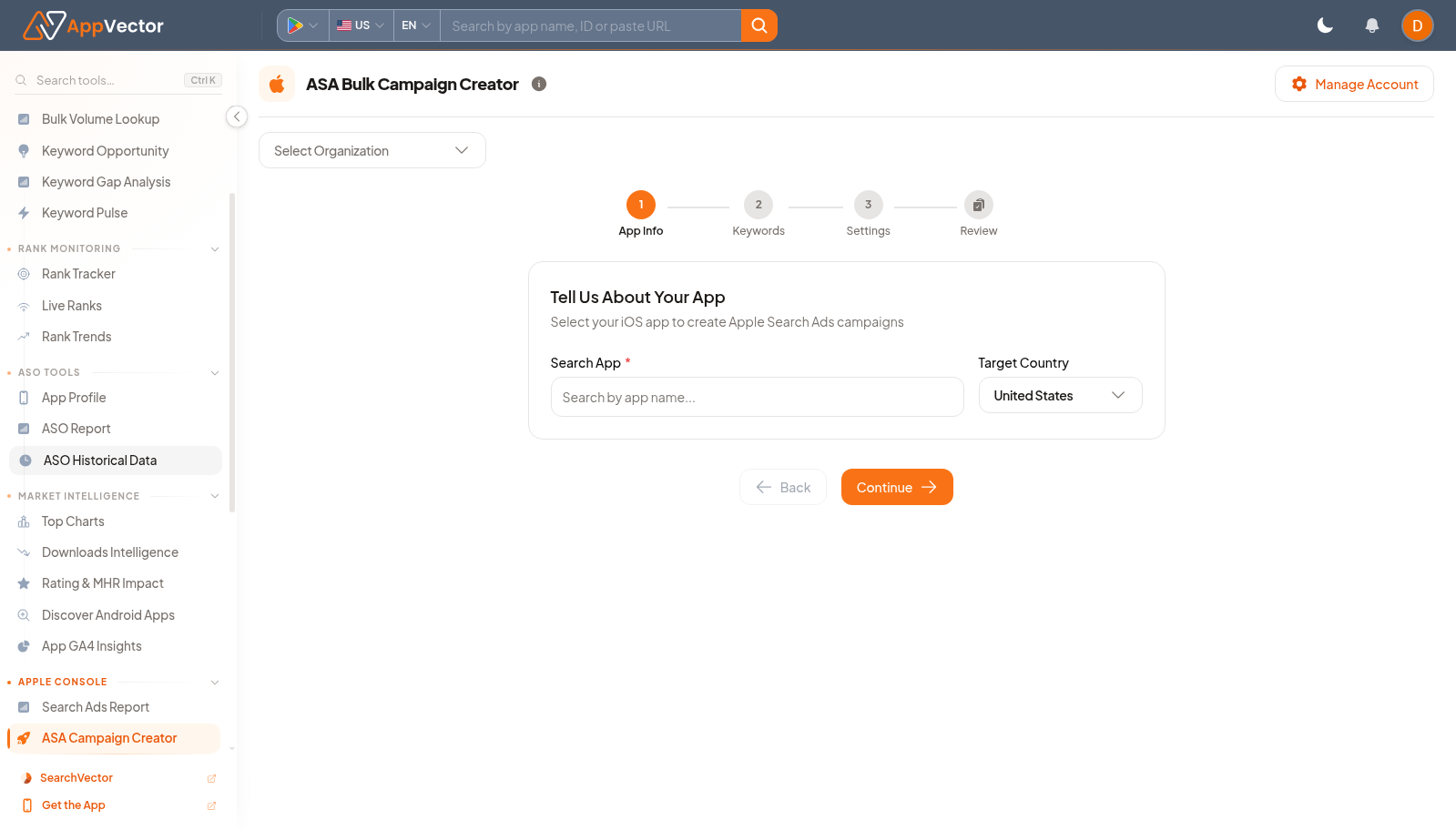
ASA Bulk Campaign Creator guides Apple Search Ads campaign setup in a structured flow. It starts with organization and country context before moving into campaign details.
When To Use It
Use ASA Bulk Campaign Creator when you need to:
- create multiple Apple Search Ads campaigns from a guided workflow.
- standardize campaign setup before launch.
- prepare campaigns for a selected organization and country.
- avoid one-off campaign creation when many campaigns need the same structure.
Before You Start
Prepare these inputs:
- Apple Search Ads account: connect or manage the account with Manage Account.
- Organization: choose Select Organization.
- Market: choose the target country, such as United States.
- Campaign plan: prepare naming, budget, targeting, and keyword inputs before continuing.
Work Through The Page
- Open ASA Campaign Creator from Apple Console.
- Use Manage Account if the Apple Search Ads account is not connected.
- Choose an organization from Select Organization.
- Confirm the target country.
- Click Continue and complete the next setup steps with the prepared campaign inputs.
Read The Results
The first screen is a setup gate. Do not continue until the organization and country are correct, because those choices determine which account and market the campaign structure will use.
Decide What To Do Next
- Review the generated campaign structure before launch.
- Use Apple Search Ads to monitor performance after campaigns are active.
- Use ASA Bulk Editor when existing campaigns need grouped edits.
- Keep campaign naming consistent so later reporting is easier to filter.
Tips
- Confirm organization context before continuing.
- Prepare keyword groups before starting bulk creation.