Apple Search Ads Pro Editor
Apple Search Ads Pro Editor is used when you need to load Apple Search Ads organization data and make structured edits across campaigns, ad groups, keywords, or related entities.
When To Use It
Use Apple Search Ads Pro Editor when you need to:
- load Apple Search Ads data for a selected organization.
- prepare grouped edits instead of updating campaigns one at a time.
- review campaign data before making bulk changes.
- separate editing work from reporting work.
Before You Start
Prepare these inputs:
- Apple Search Ads connection: ensure the account is connected.
- Organization: choose Select organization.
- Loaded data: use Load Data after selecting the organization.
- Edit scope: know whether you are editing campaigns, ad groups, keywords, or bids.
Work Through The Page
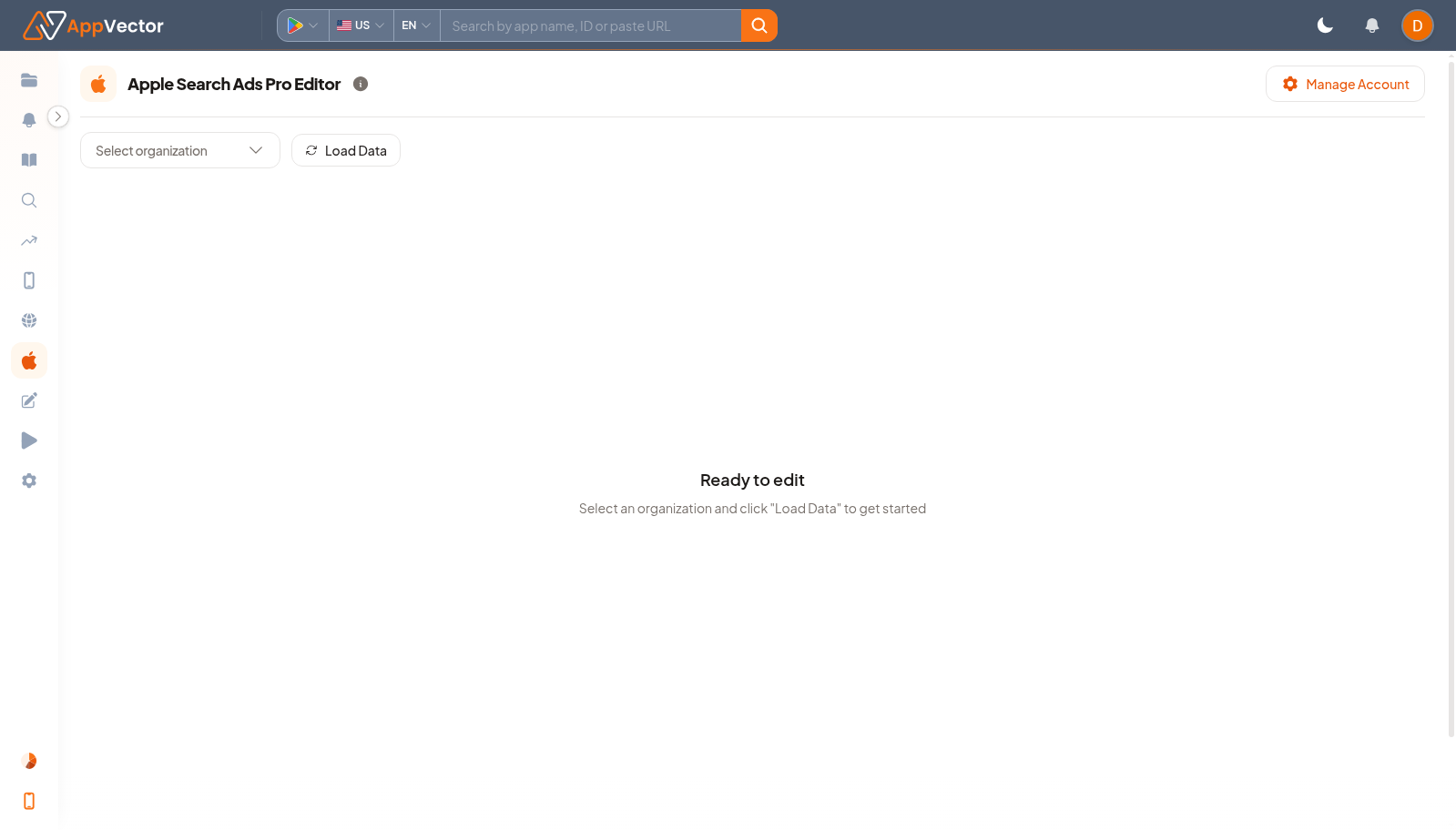
- Open ASA Bulk Editor from Apple Console.
- Click Manage Account if the account connection needs attention.
- Choose the organization with Select organization.
- Click Load Data.
- Review the loaded rows before applying any edits.
Read The Results
The page is not ready for editing until organization data is loaded. Treat the loaded table as the edit source and verify the scope before changing campaign fields.
Decide What To Do Next
- Apply edits in a small reviewed set first.
- Open Apple Search Ads to monitor the edited campaigns.
- Use ASA Bulk Campaign Creator when the task is new campaign creation rather than editing.
- Keep a record of what was changed and when.
Tips
- Do not load or edit the wrong organization.
- Review filters before applying bulk updates.