Localization Insights
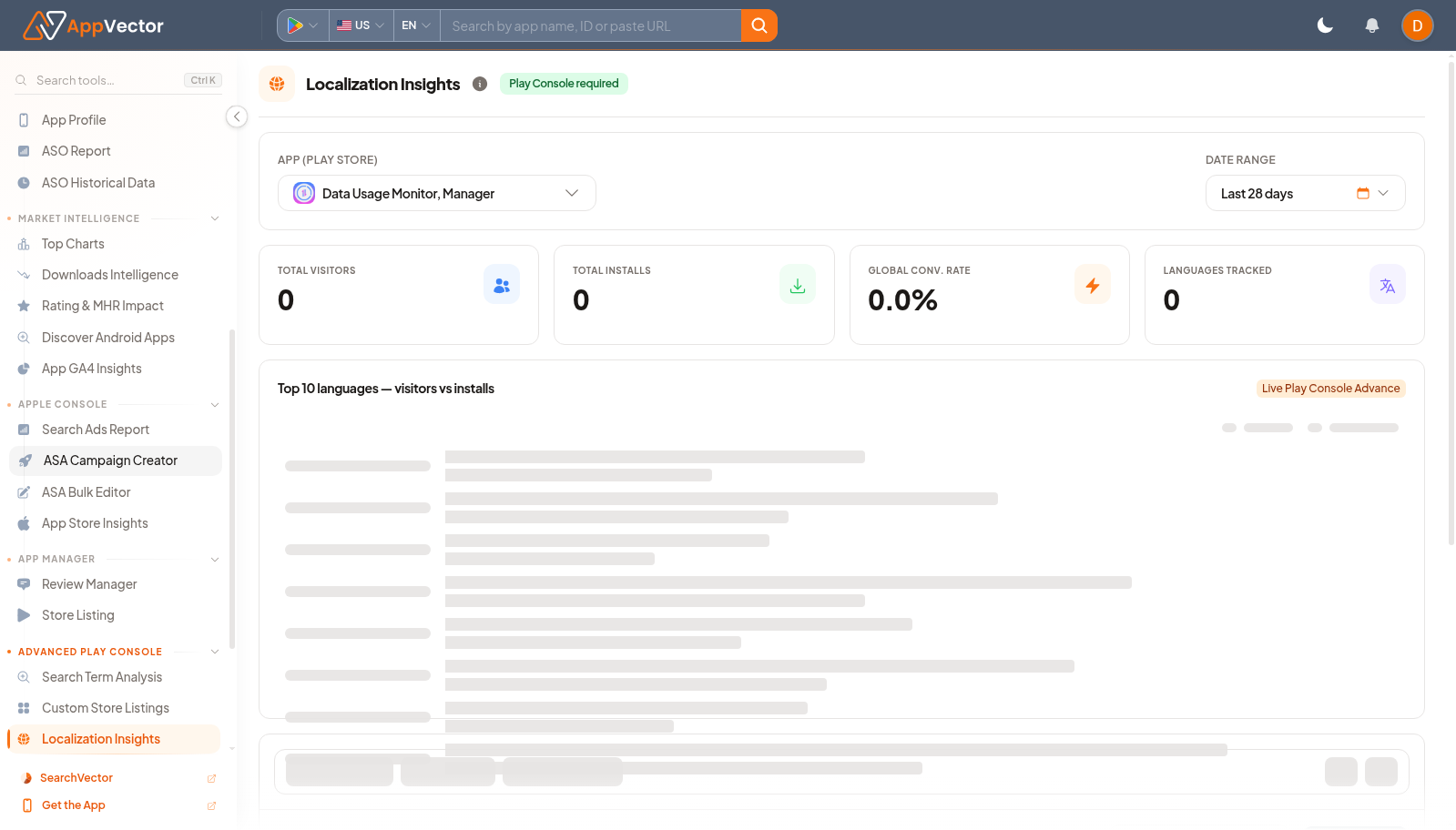
Localization Insights helps teams inspect whether country and language coverage is supporting app performance. It is useful before prioritizing translation, metadata localization, or market-specific listing work.
When To Use It
Use Localization Insights when you need to:
- review localization performance for a selected app.
- identify countries or languages that need listing attention.
- compare market performance over a date range.
- use demo data before exposing production console data.
Before You Start
Prepare these inputs:
- App: search for the app or package.
- Date range: select a window such as Last 28 days.
- Market question: decide whether you are checking country performance, language coverage, or listing gaps.
- Console data: confirm the required source is connected.
Work Through The Page
- Open Localization Insights from Advanced Play Console.
- Search for the app or package.
- Set the date range.
- Use See demo if you need a safe example.
- Review market or language rows once data loads.
Read The Results
Read localization data as a prioritization tool. A weak market may need translation, localized screenshots, country-specific metadata, or more investigation before investing in campaigns.
Decide What To Do Next
- Open Store Listing for locale-specific listing work.
- Open Custom Store Listings when country-specific listing variants matter.
- Use Downloads Intelligence to validate market opportunity.
- Document which country or language needs action.
Tips
- Prioritize markets with both opportunity and a clear listing gap.
- Do not assume one language strategy works across all countries.