What's New
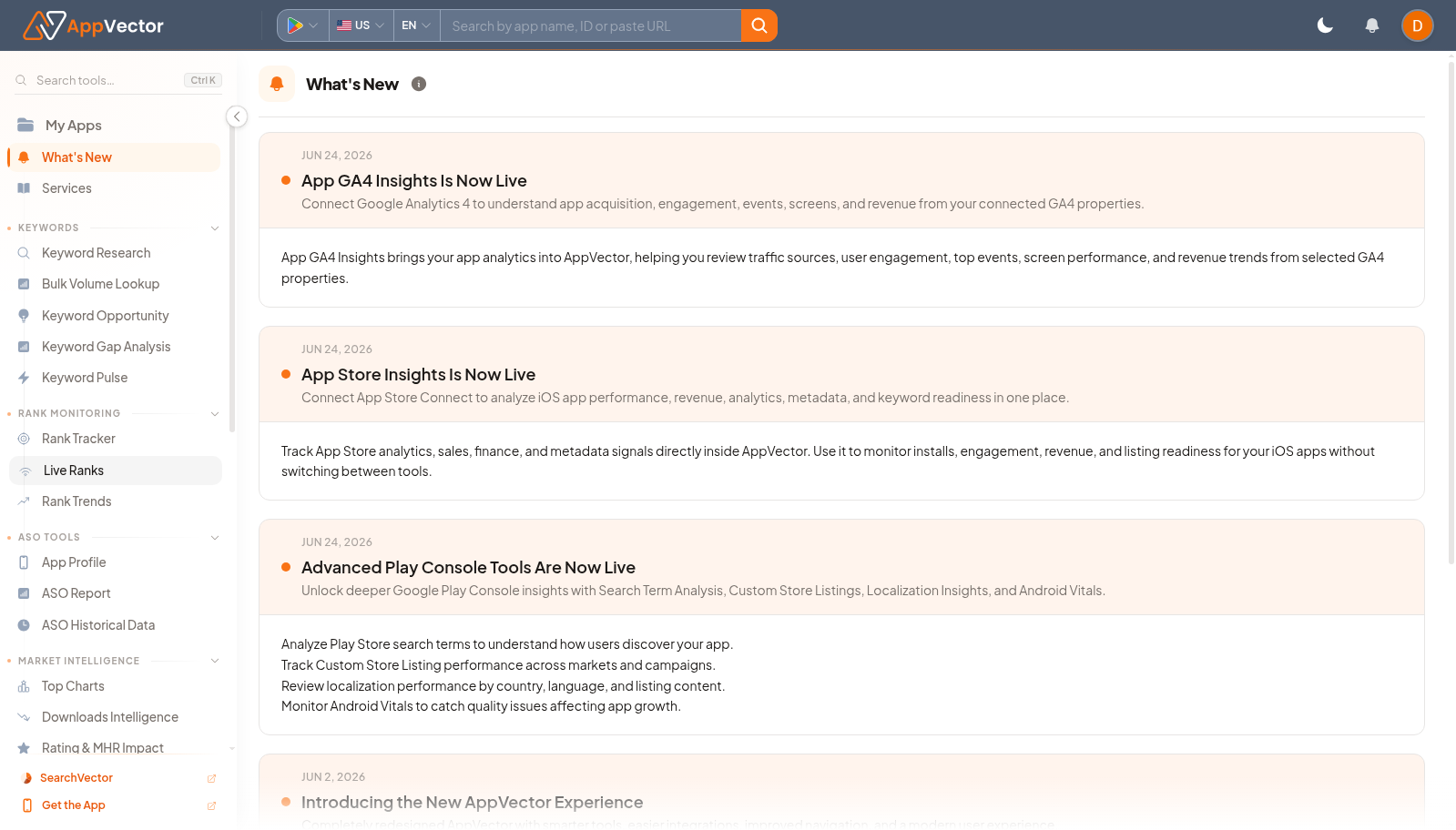
What's New is the product update page inside AppVector. It helps users see recent changes, new workflows, and feature announcements without leaving the workspace.
When To Use It
Use What's New when you need to:
- check recent AppVector product updates.
- learn whether a new workflow affects your current process.
- find feature announcements before asking support.
- orient teammates after a product change.
Before You Start
Prepare these inputs:
- Current workflow: know which AppVector area you are using.
- Change question: decide whether you are checking new features, fixes, or workflow changes.
- Team handoff: prepare to share relevant updates with teammates if needed.
Work Through The Page
- Open What's New from the left navigation.
- Review the latest updates shown on the page.
- Open any relevant feature or announcement details.
- Return to the matching product workflow to try the update.
- Share important changes with the team if they affect process.
Read The Results
Treat updates as product-context notes. The page helps you understand what changed, but workflow decisions should still be made in the relevant product page.
Decide What To Do Next
- Open the related feature page after reading an update.
- Update internal process notes if a workflow changed.
- Ask support only after checking whether the update already answers the question.
- Revisit this page when a UI control or workflow looks new.
Tips
- Review updates before training teammates on a changed workflow.
- Use feature-specific guides for step-by-step work.