Review Manager
Review Manager centralizes store reviews for a selected app. It helps teams filter review text, inspect star ratings, export rows, and reply where supported.
When To Use It
Use Review Manager when you need to:
-
review recent Play Store or App Store feedback.
-
filter reviews by text, star rating, or other conditions.
-
reply to reviews when the source supports replies.
-
export review rows for support, product, or reporting workflows
.
Before You Start
Prepare these inputs:
- Store: choose Play Store or App Store.
- App: select the app.
- Date range: choose the review window.
- Workflow: decide whether you are reading, filtering, exporting, or replying.
Work Through The Page
- Open Review Manager from App Manager.
- Choose Play Store or App Store.
- Select the app and date range.
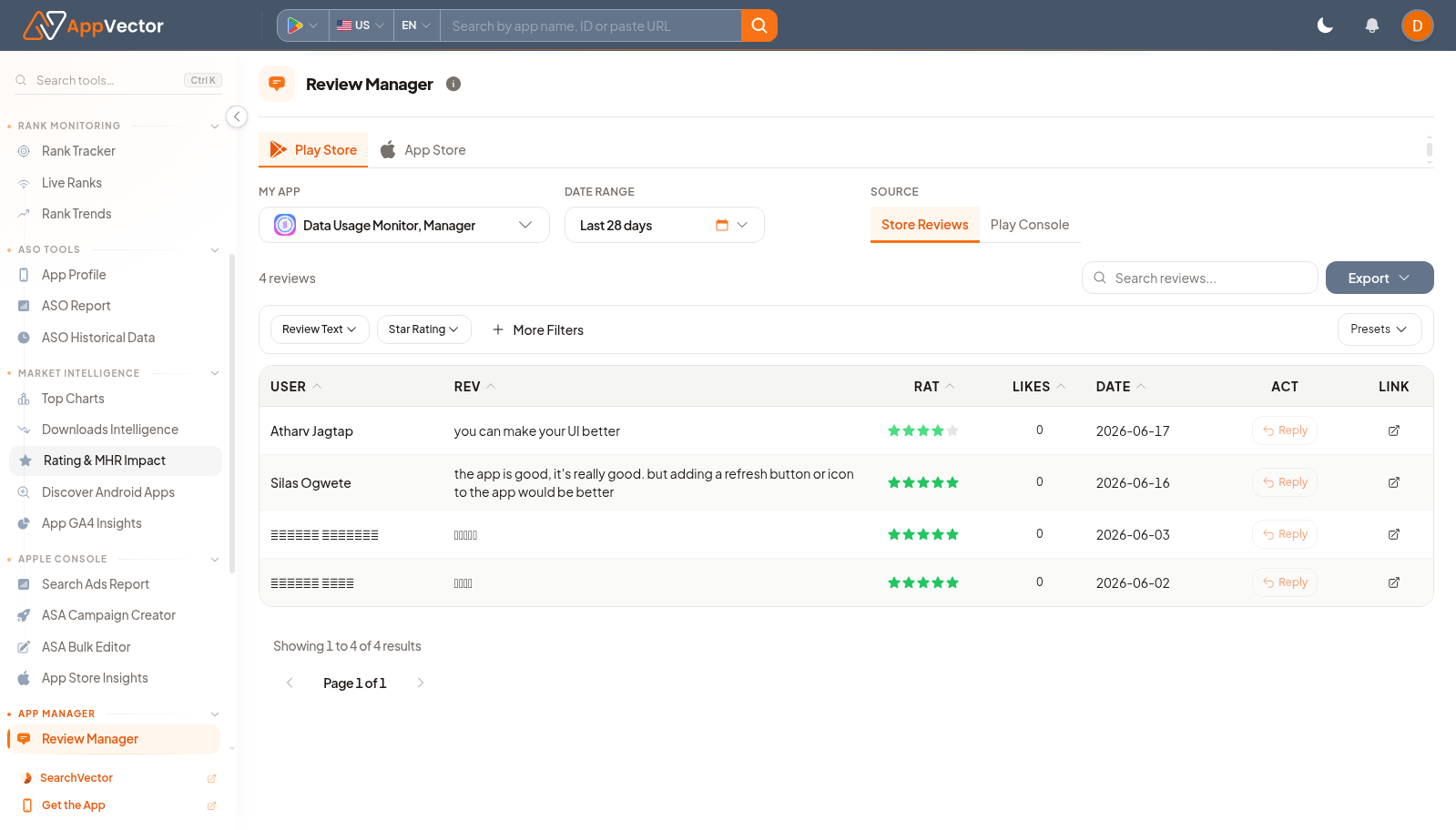
- Use filters such as Review Text, Star Rating, More Filters, or Presets.
- Use Reply for individual reviews or Export for analysis.
Read The Results
The table shows reviewer, review text, rating, likes, date, action, and link columns. Low-star rows may indicate product issues; repeated phrases in review text can guide bug, listing, or support priorities.
Decide What To Do Next
- Send recurring product issues to the product or engineering owner.
- Use Android Vitals if reviews mention crashes or freezes.
- Use Store Listing or ASO Report if reviews reveal mismatch between listing promise and user experience.
- Export filtered rows for a review theme analysis.
Tips
- Filter before replying so you can handle similar reviews consistently.
- Keep replies specific and avoid exposing private account details.