Live Ranks
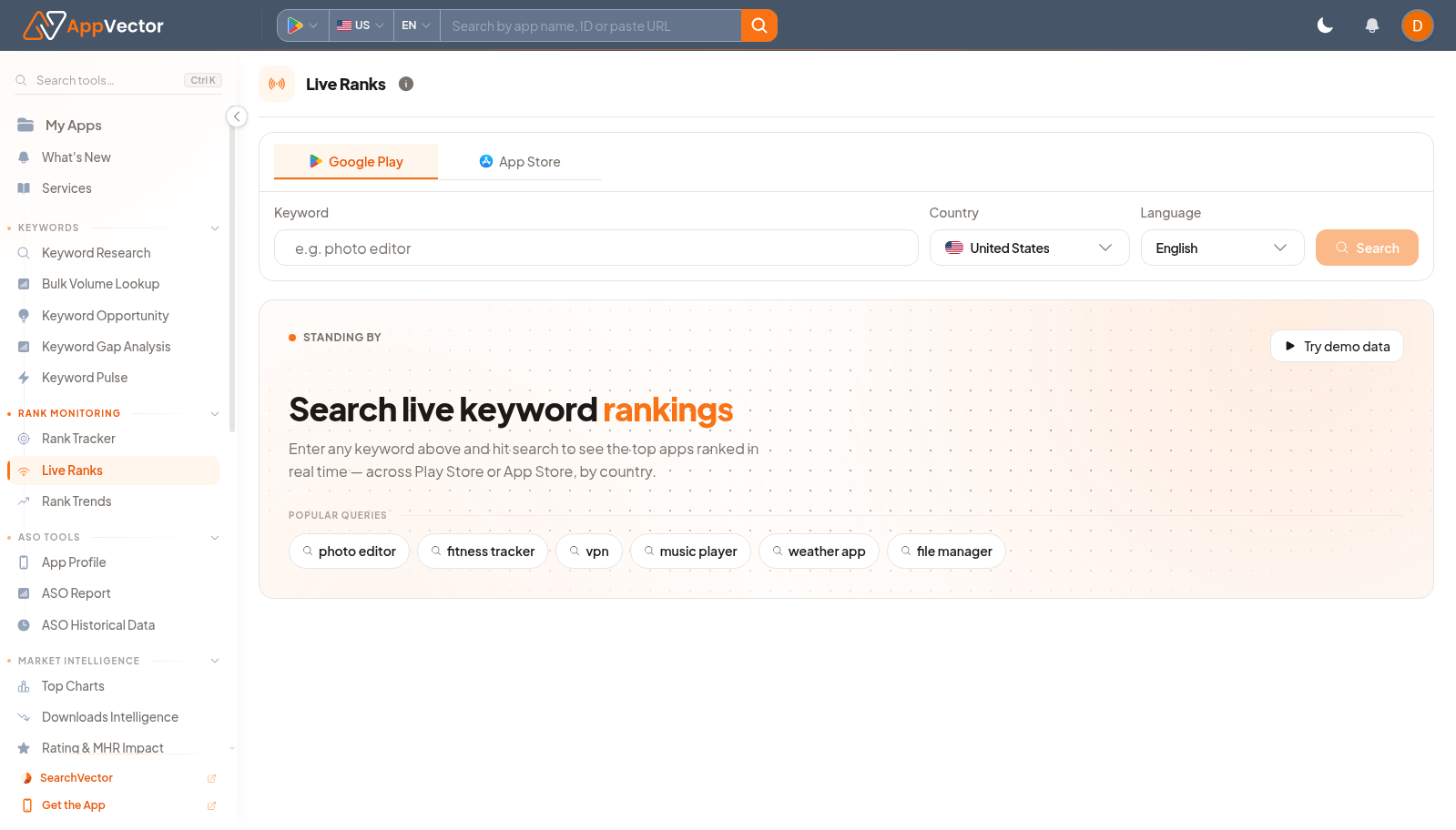
Live Ranks checks current app-store search results for a keyword. It is useful when you need a live view of which apps appear for a term before adding it to tracking or making metadata changes.
When To Use It
Use Live Ranks when you need to:
- check current ranking results for a keyword.
- compare Play Store and App Store search surfaces.
- test market and language differences.
- use demo keyword chips to understand the workflow quickly.
Before You Start
Prepare these inputs:
- Store: choose Google Play or App Store.
- Country and language: select the market.
- Keyword: prepare the search term you want to inspect.
- Reference app: know which app you expect to find in the results.
Work Through The Page
- Open Live Ranks from Rank Monitoring.
- Choose store, country, and language.
- Enter a keyword in Search or choose a demo chip such as photo editor, fitness tracker, or vpn.
- Review the live result list.
- Use the finding to decide whether the keyword should be tracked or researched further.
Read The Results
Live results show the current competitive surface for one query. If the app is absent or far below relevant competitors, the keyword may need metadata work, rank tracking, or a lower-priority decision depending on relevance and demand.
Decide What To Do Next
- Add important terms to Keyword Rank Tracker.
- Open Keyword Research when a live query suggests adjacent keywords.
- Use Rank Trends after a keyword is tracked over time.
- Compare live results across countries before localizing decisions.
Tips
- Live rank is a point-in-time check; use Rank Tracker for ongoing monitoring.
- Search one intent at a time for clearer conclusions.