Search Term Analysis
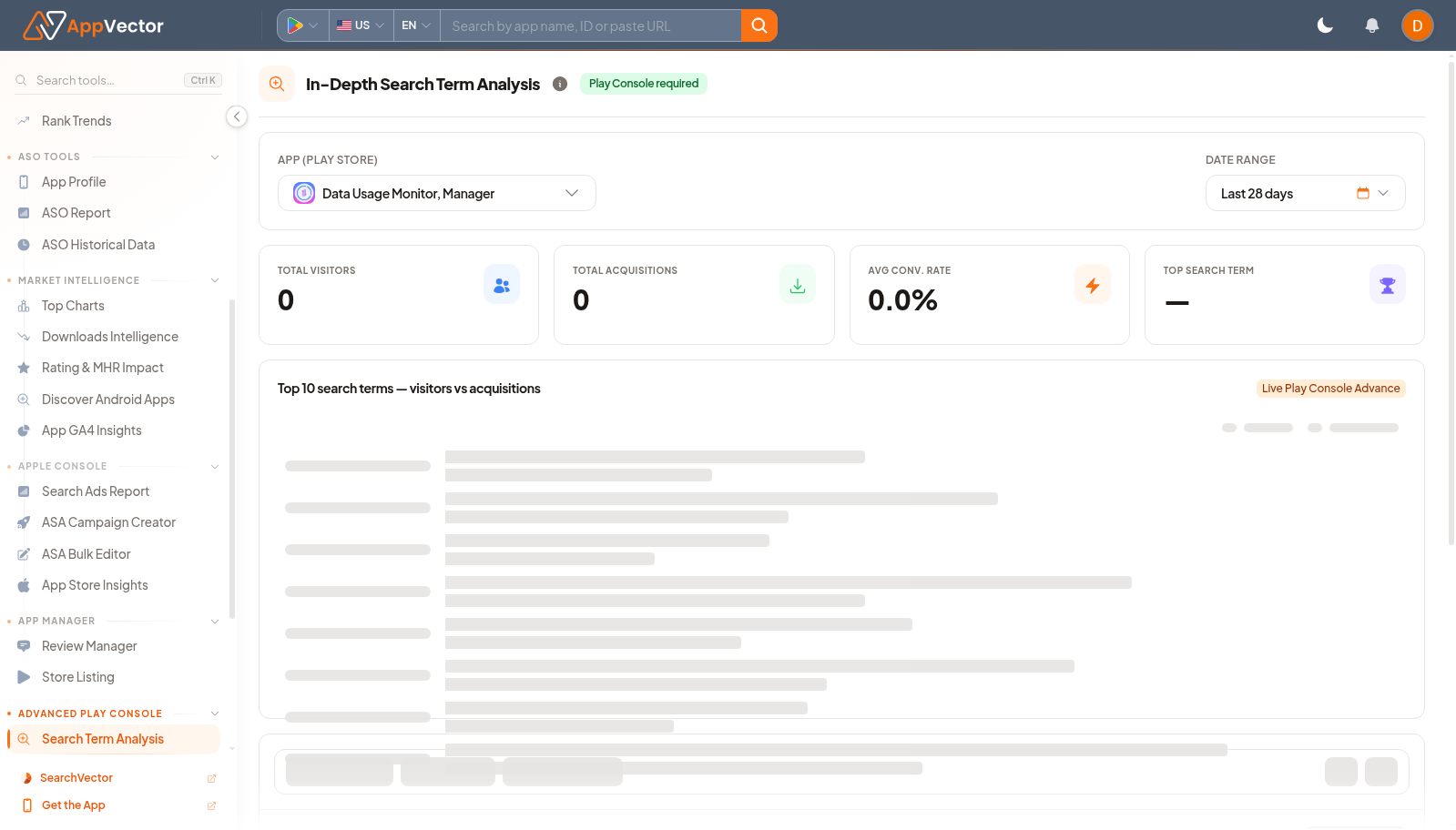
Search Term Analysis helps teams inspect search terms from Play Console context. It is useful when you need to understand which queries are driving store discovery and where listing work should focus.
When To Use It
Use Search Term Analysis when you need to:
- review search-term performance for a selected app.
- connect Play Console search terms with ASO keyword planning.
- spot query themes that deserve metadata or tracking follow-up.
- use demo data before exposing real console data.
Before You Start
Prepare these inputs:
- App: select the app or package.
- Date range: choose the reporting window.
- Console access: confirm Play Console data is connected.
- Keyword goal: decide whether you are validating existing terms or finding gaps.
Work Through The Page
- Open Search Term Analysis from Advanced Play Console.
- Choose the app.
- Set the date range.
- Use See demo if you need a safe example.
- Review terms and performance once data loads.
Read The Results
Read search terms as observed demand from the store surface. Strong terms can become tracked keywords; weak but relevant terms may need metadata or creative support.
Decide What To Do Next
- Add important terms to Keyword Rank Tracker.
- Open Keyword Research to expand related terms.
- Use Store Listing when terms should inform metadata changes.
- Compare with ASO Report before finalizing priorities.
Tips
- Separate branded, category, and feature terms before acting.
- Use Play Console search terms as evidence, not as the only keyword source.